Digital Signage Scheduling: Send the Right Message at the Right Time

What is digital signage scheduling?
Digital signage scheduling is the practice of planning which content plays on which screens at which times, and letting the player switch automatically. Instead of one playlist that loops all day, you set rules: breakfast offers until 10:30, lunch menus until 14:00, a holiday promotion that starts at midnight on 1 December and stops on the 25th.
The goal has not changed since the first screens went up: connect people with your brand. What has changed is the competition for attention. A generic message is ignored within seconds. A message that fits the time, place and audience gets noticed.
Why timing matters more than the screen
Imagine a business-wear retailer promoting a seasonal sale on a large outdoor screen. Shown at lunchtime to tourists, the ad is wasted. Shown during the evening commute to office workers, it reaches the people who might buy. The screen and the ad are the same; only the timing changed.
This is called dayparting: splitting the day into parts and matching content to who is watching in each part. Most signage networks can benefit from at least three dayparts, and many add weekday and weekend variations.
Scheduling for advertising agencies and media owners
Screens rented by the hour or by number of plays need precise control. Picture the holiday season fully booked: 30 advertisers rotating on each screen in a single week, each with its own time slots, across several locations. Inserting and checking all of that by hand is slow and error-prone.
When you compare systems for advertising, look for:
- Central scheduling so one person can plan many screens and locations at once.
- Screen groups so a package can be assigned to all screens of one type or area in one step.
- Flexible time scales from hourly slots to daily, weekly, monthly and yearly campaigns.
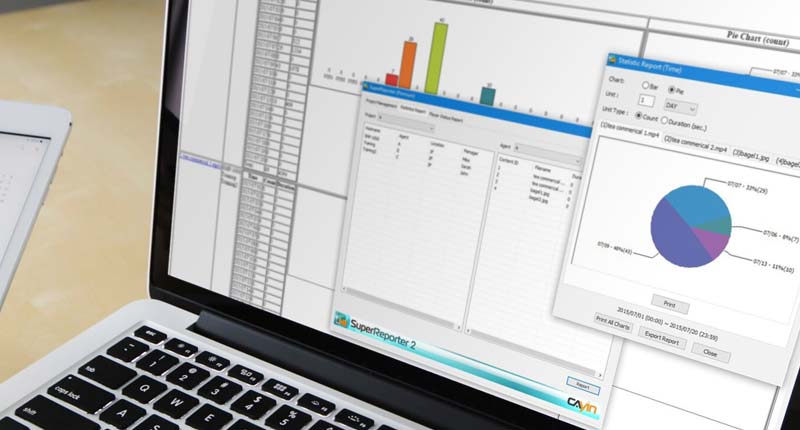
- Playback reports that prove to advertisers when and where their content ran. CAYIN SuperReporter generates playback and system status reports from SMP players.
- Location-aware scheduling for screens that move, such as buses and taxis. See location-based digital signage.
Scheduling for stores and restaurants
Television, print and pay-per-click ads are expensive and hard to interact with. A screen in your own store reaches people who are already there and ready to buy, but only if the content is specific. A window display that loops the same generic message all day quickly becomes part of the background.
Plan content around the moments that matter:
- Start a Christmas campaign at midnight on 1 December, and have the Boxing Day sale take over automatically at midnight on the 26th.
- Show happy-hour offers in the hour before they start, when people are deciding where to go.
- Switch menu boards between breakfast, lunch and dinner without staff touching the screens.
- Use a holiday schedule for special dates so they override your normal weekly routine.

How to build a schedule that works
- Define your audiences for each location and time of day.
- Group your screens by location, type or purpose.
- Create dayparts and a default playlist for times with nothing special planned.
- Add campaigns with exact start and end dates so nothing runs too early or too long.
- Review the reports, test different time slots, and adjust. Your timing will improve as you learn what your customers respond to.
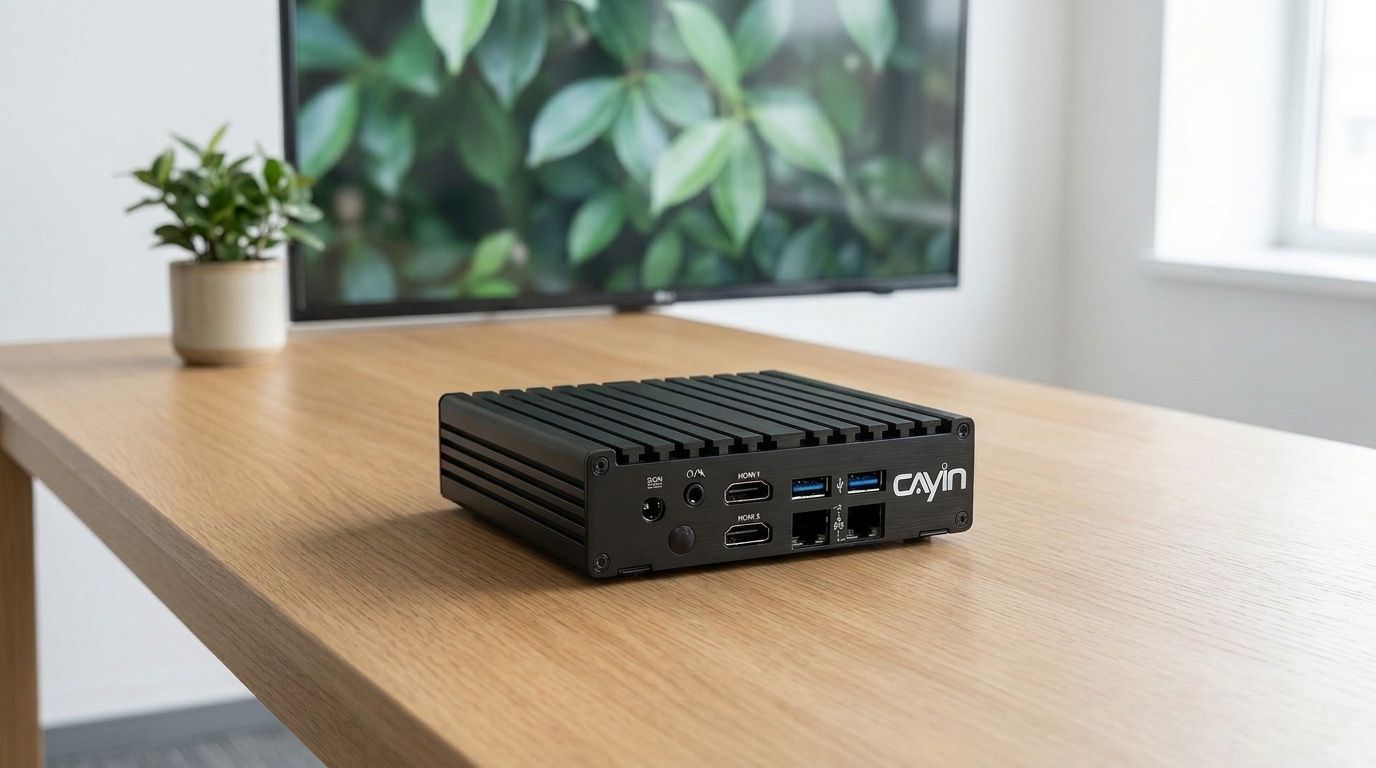
With CAYIN, each SMP player stores and runs its own schedule, including multi-zone layouts with independent schedules per zone, holiday schedules and timed screen on/off. For larger networks, CMS-SE manages schedules for up to 4,000 SMP players from any browser.
Frequently asked questions
What is dayparting in digital signage?
Dayparting means dividing the day into time blocks, such as morning, lunch and evening, and showing different content in each block so the message fits the audience watching at that time.
Can a digital signage player keep playing its schedule if the network goes down?
Yes, if the player stores content and schedules locally. CAYIN SMP players keep their schedules on the device, so playback continues even when the connection to the server is lost.
How do advertisers know their ads were actually shown?
Through playback reports. CAYIN SuperReporter creates reports on what each SMP player played and when, which agencies can share with their clients.
Can special dates override the normal weekly schedule?
Yes. CAYIN SMP players support holiday schedules, so content for special dates automatically takes priority over the standard weekly routine.
Do I need a server to schedule digital signage?
Not for a few screens. Each SMP player can be scheduled from a web browser on its own. A server such as CMS-SE is useful when you manage many players or locations and want one central schedule.
CAYIN Technology in Brief
CAYIN Technology is a 22-year professional digital signage solution and software developer from Taiwan. By offering a complete portfolio of appliance-based digital signage solutions, CAYIN dedicates itself to being a reliable partner to clients worldwide and has successfully set up various applications globally. In order to best facilitate the deployment of its products, the company also provides tailored services to satisfy the ever-growing market demand for almost limitless applications.